Selection uploads
Send selected text, images, video, audio, or links from the context menu.
CHROME EXTENSION / VERSION 1.1.0
Upload files and page selections, reuse requests created on Astral, follow progress, and opt into alerts for received or expiring files.
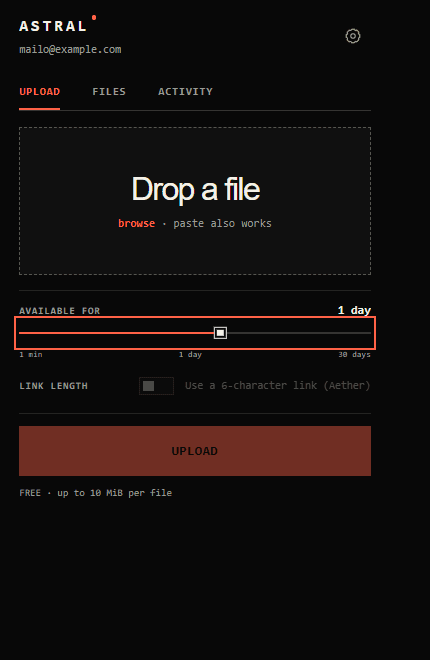
Send selected text, images, video, audio, or links from the context menu.
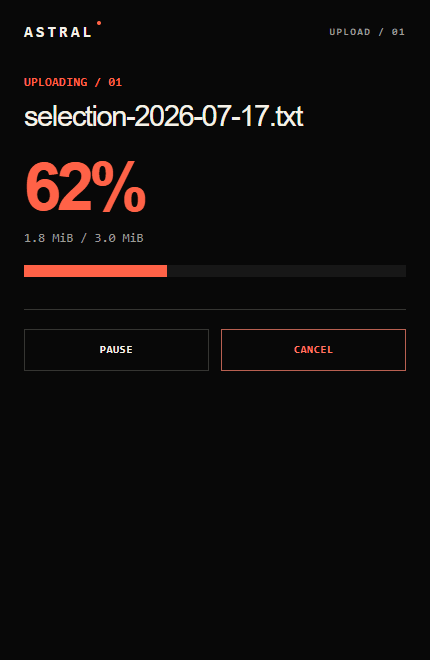
Pause, resume, cancel, and copy without losing sight of the active transfer.
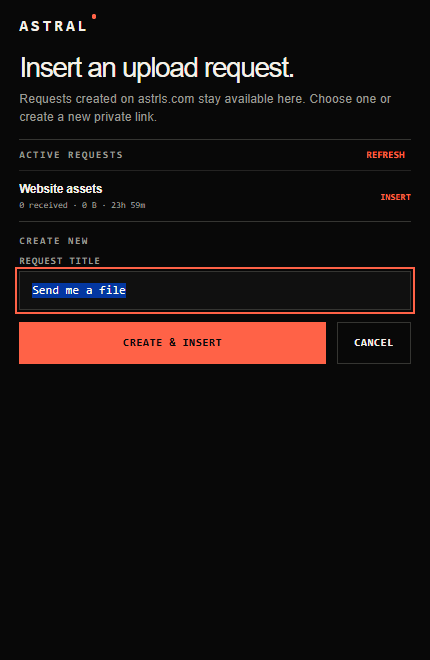
Reuse a request made on the website and insert it into the exact input you clicked.
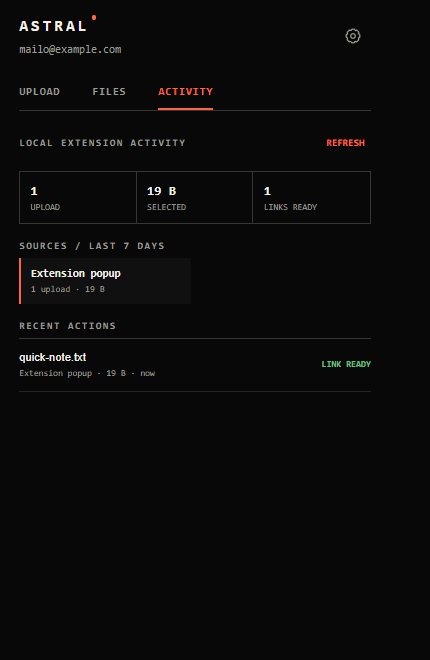
Review local upload activity and optionally get alerted when files arrive or approach expiry.
THE WORKFLOW
The extension keeps Astral’s upload controls close without turning the browser into another dashboard.
MANUAL INSTALL / FOUR STEPS
This preview build is not in the Chrome Web Store yet. Chrome therefore installs it as an unpacked extension.
Download the ZIP, open it, and extract the contained folder somewhere you will keep it.
Enter chrome://extensions in the address bar and enable Developer mode in the top-right corner.
Choose Load unpacked and select the extracted folder containing manifest.json.
Pin Astral to the toolbar, open it, and connect your signed-in astrls.com account.
READY WHEN YOU ARE
The archive is stored as a versioned, read-only release in Firebase Storage. The extension contains no Stripe key, Firebase secret, or general storage credential.
Download version 1.1.0